GloboPoll blog · Guides
How to run a neighbourhood consultation online
A guide for councils and associations: how to run an online neighbourhood consultation step by step, what not to promise, and how to do it with GloboPoll.
· Cibernatural · 9 min read
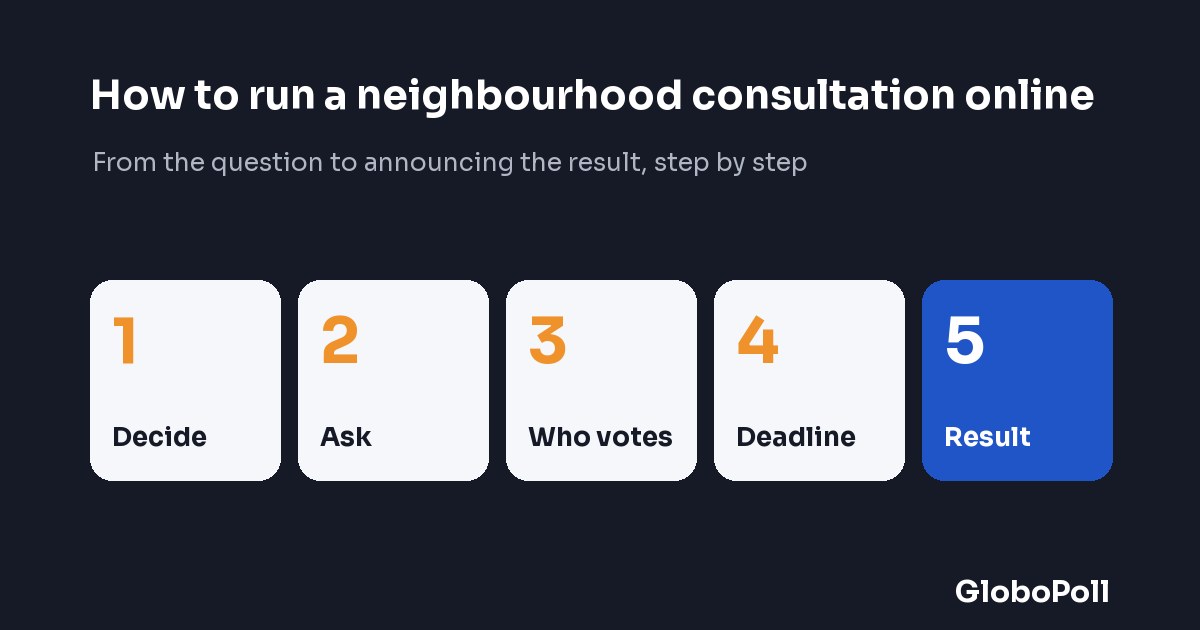
You want to ask your neighbours something —which improvement comes first, whether a street should be pedestrianised, how to share out a small budget— and the sensible place to do it is where they already go: the council's or the association's website. Running a consultation online is not hard, but what you decide before opening the poll matters more than the tool: what is asked, who answers, how long it stays open and what will be done with the result. This guide walks through those steps in order and, at the end, explains how to do it with GloboPoll. It is just as useful if you end up using something else.
What do you need to decide before asking?
Decide what you want to know, what you will do with the result and when you will announce it: a consultation nobody mentions afterwards teaches people not to take part.
The first thing is not the question: it is where the result goes. Three concrete decisions before you touch any tool:
- What the consultation decides and what it leaves out. If it only ranks improvements within a budget that is already fixed, say so; do not ask for opinions on something you cannot change.
- What you will do with each possible result. Even if the consultation is not binding, write it down. For example: “the result will be taken to the next council meeting and posted on the noticeboard”. The commitment can be modest, but it has to exist.
- Who answers for keeping it. A name or a body, not just “the council”.
Asking for proposals that nobody will read afterwards is the surest way to get fewer votes in the next consultation than in this one.
How do you write a question that does not lead the answer?
Write the question in neutral terms, with no adjectives arguing for an option, and check that the options do not overlap and cover what people actually come across.
“Do you want us to fix the pavements, which are a disgrace?” has already voted for you. “Which improvement should come first this year?” has not said anything yet. A few simple rules:
- No adjectives. The question does not contain “the lack of safety”, “the neglect” or “the unique opportunity”.
- One option, one concern. “Playgrounds and sports areas” works if whoever supports it wants both; “parks and cleaning” does not, because someone may want one without the other.
- Options that do not step on each other. “More green spaces” and “more trees” overlap: someone who wants both does not know which to tick.
- An “Other” option with a free-text answer. It collects what your list left out, and those answers are the raw material for the next consultation.
Asking someone else to read the question cold before publishing takes five minutes and avoids the most common mistake. On GloboPoll a person reviews every poll before it is published, but do not count on them to fix your wording: the question is yours.
Who can vote in an online neighbourhood consultation?
You can open the consultation to anyone, with one vote per connection and browser, or restrict it to a closed list with a single-use code per person.
Each choice has its price:
- Open consultation: anyone who reaches the page votes without signing up, and one vote is counted per connection and browser. It gets more votes and asks less of people, but a person with two connections can vote twice and, with the default setting, a family sharing wifi may not get a second vote (the number of votes per connection can be raised in the poll's settings). The limit is enforced by the database, not by an on-screen check a script could bypass.
- Closed list: each person on your list receives a single-use code. On GloboPoll you send them by email from the dashboard or download them to hand out yourself, up to 5,000 per poll; the dashboard tells you which codes have been used, never how each one voted.
Neither of them checks the register of residents: the closed list is only as good as the list you put together. For most neighbourhood consultations, the open one is enough.
How long should the consultation stay open?
One to two weeks is usually enough: in the Teguise consultation, 177 of the 412 votes arrived in the first three and a half hours.
In the Teguise case, the vote to choose the 2027 Carnival theme was open for twelve days and received 412 votes; 177 arrived in the first three and a half hours of the Monday it opened. The lesson: votes arrive when the consultation is announced, not when it is opened.
In practice:
- Set the closing date before you open and stick to it.
- Announce the consultation on the day it opens: that is when most of the participation is decided.
- Include at least one weekend.
- Send a reminder on the last day, even if only on the page itself.
Leaving it open for months turns the consultation into furniture: it stops being news, and the votes of the last week never make up for it. Close on the date you gave and announce the result that day or the next.
Should you hide the results until the consultation closes?
Hide them when a visible count could sway the vote, and show them when seeing how it is going is what brings in more participation.
On GloboPoll you choose when the count is visible: always, only after voting, only at the close or never. The two sides:
- A visible count invites people to vote. In Teguise the results were visible throughout and the vote stayed close until the end: the winner finished three votes ahead, 125 to 122. Someone who sees their option is close has one more reason to go and vote.
- A visible count also puts pressure on people. In a sensitive consultation, seeing your option losing can make someone not vote, or vote for whatever is already winning.
Rule of thumb: when ranking improvements openly, let people see them; in a yes or no that may cause tension, hide them until the close and say in the announcement when the result will be known. At the close the result is fixed, does not change even if another vote arrives, and downloads as CSV.
What can you not promise without a register of residents?
Do not promise a referendum, a representative sample or an identified vote: with no register of residents and no digital certificate, this is a non-binding participation exercise.
And that is what it should be called. Tell residents three things, on the poster and on the website:
- Who was able to vote: anyone with access to the page, or only those who received a code.
- How many voted: “412 people in twelve days”, not “the people have spoken”.
- What will be done with the result: what you decided in the first step.
GloboPoll has no sign-in with a national digital ID or a digital certificate, and no secret ballot with a receipt or signed record either: the result is fixed at the close and can be exported, but no third party certifies it. If someone needs the guarantees of an electoral process, this is not it; an online neighbourhood consultation is for listening before deciding, not for giving a count legal force.
When is a single-choice question not enough?
When the decision is a yes or a no, when you want several priorities or when you are sharing out a budget: there is a ballot type for each case.
The single-choice question is the most common and the easiest to understand, but it is not always the right one:
- A specific proposal (a by-law, opening hours): yes or no, with abstentions counted separately so you know who would rather not take a side.
- Several priorities: multiple choice. Note that the count changes: choosing one is not the same as ticking three.
- Sharing a budget among projects: points allocation, and quadratic voting when you want broad support to win rather than the best-organised group; quadratic voting for participatory budgets explains the method with a worked example.
The nine poll types explain when each one fits. A practical warning: in the widget people can only vote with one option, with several or with yes or no; points allocation and ranking are answered on the GloboPoll page, so they do not work for a consultation meant to be seen only inside your website.
How do you do it on GloboPoll?
Start from the “Neighbourhood consultation” template, embed the free widget with two lines of code and allow for a person reviewing the poll before it is published.
The short route:
- Create the poll from the “Neighbourhood consultation” template: it comes with a sample question (“Which improvement should come first in [our neighbourhood] this year?”), five options and “Other” with a free-text answer; replace the text and the options with your own.
- Paste two lines of code from the widget into the council page where the consultation will go. The widget is free, with no limit on votes and up to three active polls at a time on the free plan; residents vote without creating an account and one vote is counted per connection and browser, with VPNs and proxies blocked.
- Choose when the count is visible (always, after voting, only at the close or never) and the closing date.
- Allow time for the review. It is not published instantly: a person reviews every poll before it goes live. Prepare it a few days ahead of the date on which you want to announce it.
- Announce, close and announce the result. At the close it is fixed and downloads as CSV; you make the announcement, on your website and your channels.
With the Pro plan, the consultation can be shown only inside the council website (without appearing in the catalogue or in search engines), there are single-use codes for closed lists, and points allocation and quadratic voting are included.
This was the route Teguise took: the council installed nothing, the poll lived on its website, and the council kept its page, its communication and the announcement of the result. GloboPoll for local government has that council vote embedded and, stated plainly, what GloboPoll does not do.
Sources
- The Teguise case: how the 2027 Carnival vote was set up, participation figures and what we learned.
- GloboPoll for local government: the page this guide starts from, with a real council vote embedded and the section “What GloboPoll does not do”.
- Nine poll types: when to use each type of ballot, from single choice to points allocation.
- Quadratic voting for participatory budgets: the method, with a worked example.
- GloboPoll pricing: what the free plan and the Pro plan include.