GloboPoll blog · News
Duplicate a poll or start from a template
Duplicate a poll with its options, images and settings, in the same language or another one, or start from a template. Built for the weekly poll.
· Cibernatural · 2 min read
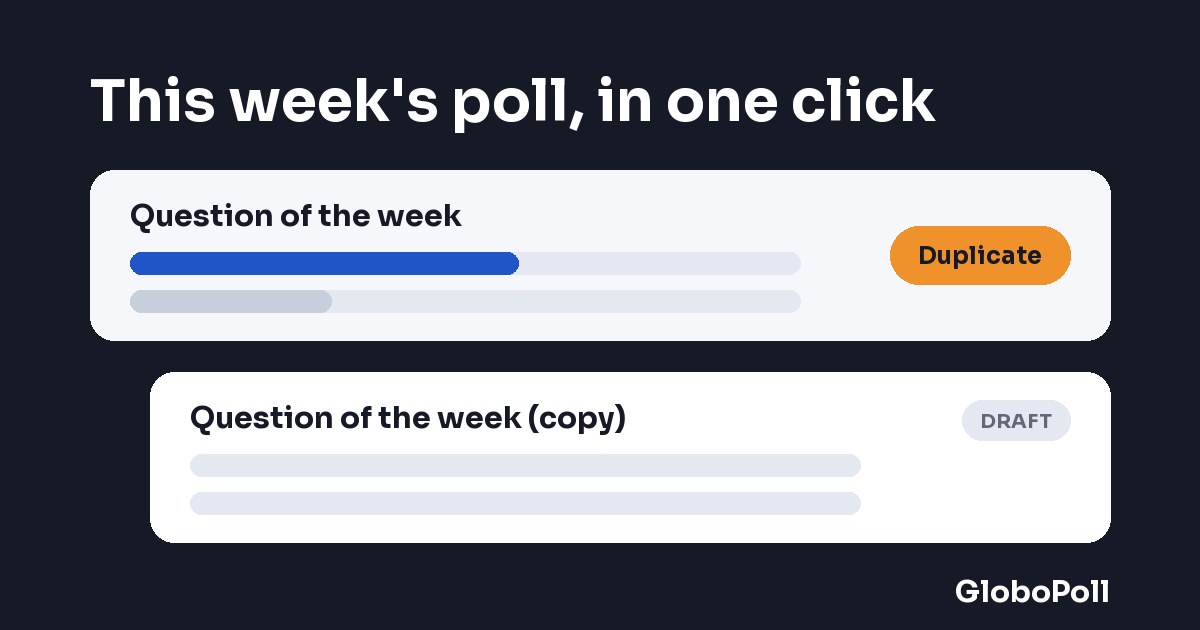
If you publish a poll every week, you repeat almost everything: the same options, the same settings, the same cover. Until today you had to type it all again. From today there are two shortcuts in the dashboard: duplicate a poll and start from a template.
Duplicate
The poll list and the editor now have a “Duplicate” button. It creates a draft in the same account with:
- the question and the description (the copy adds “(copy)” to the title);
- the options, with their images and with “Other” if it had one;
- the cover image;
- the settings: who can vote, comments, when results are shown, vote changes, votes per connection and where the poll can be seen;
- in a questionnaire, every question with its type, its sections and its conditions.
It copies nothing of what happened afterwards: no votes, no comments, no dates, no invitations. The copy is a new poll: you edit it, submit it for review and it is published like any other.
A tournament is duplicated whole, with the bracket of its first round, whichever round you copy it from.
Duplicate in another language
On GloboPoll every poll is in a single language. If you want the same one in Spanish or French, click “Duplicate” in the editor and choose the language of the copy. Texts are copied as they are, for you to translate in the editor; “Yes”, “No” and “Other” already come out in the new language. The copy has its own address and its own votes.
Templates
When you create a new poll you will see “Start from a template”, with four starting points:
- Neighbourhood consultation: which improvement comes first, with “Other” to collect proposals.
- Reader poll: a news outlet’s question of the week, with five answers.
- Yes-or-no question: Yes, No or abstain, which is counted separately.
- Satisfaction (NPS): the recommendation question from 0 to 10. How to read the result is in NPS with GloboPoll.
Each template creates a draft with the question and the options already written in the language you choose. What is in square brackets is what you need to change.
Which plan you need
No paid plan: duplicating and templates are in the free plan. Each copy counts as one more poll, so your plan’s limits apply (three active polls at a time on the free plan).
If you publish for a news outlet, there is more detail in GloboPoll for media.